

Discussions that rank on Google.
Every public post is its own page that search engines can read. People find your community by searching for what they care about, and old posts keep bringing in new readers.
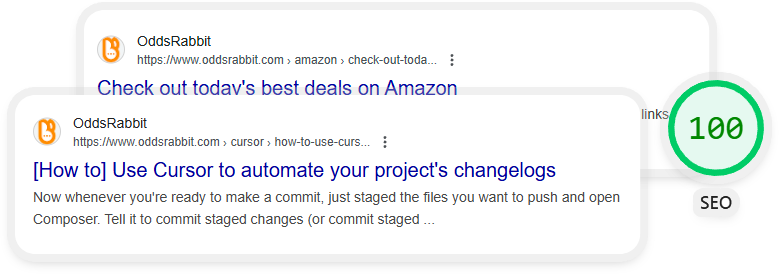
A page for every post
Unlike a Discord channel, each public post has its own URL with the replies on it, so search engines can read the whole conversation.
Built for search
Posts carry structured data (DiscussionForumPosting, or BlogPosting on blogs), a canonical URL and link-preview tags, all automatic.
Traffic that adds up
A post you write today can still bring people in next year. Communities here grow over time instead of resetting every day.
From setup to launch.
-
Publish a public post
Write it once in your community. The search tags and structured data are generated for you.
-
It goes in our sitemap
Public posts in public communities are listed in the OddsRabbit sitemap, so search engines can find them.
-
See who arrives from search
Creator Studio shows where each post's views come from: search, social, AI answers, direct, or inside OddsRabbit.
Frequently asked questions.
That's up to Google. Every public post is in our sitemap from the start, so it can be found and crawled.
Posts in private communities and in communities labeled for adult content.
On a blog space, yes. Set the post's canonical URL to the original on your site and search engines will credit your site.
No. Sitemaps, robots rules and structured data are handled at the platform level.
Free traffic that compounds.
Start your community and let your posts work for you over time.